
AESLocker
Windows file protection
Lock important files with a password and open .Lock files in a few simple steps.
Download not starting? Use the backup link
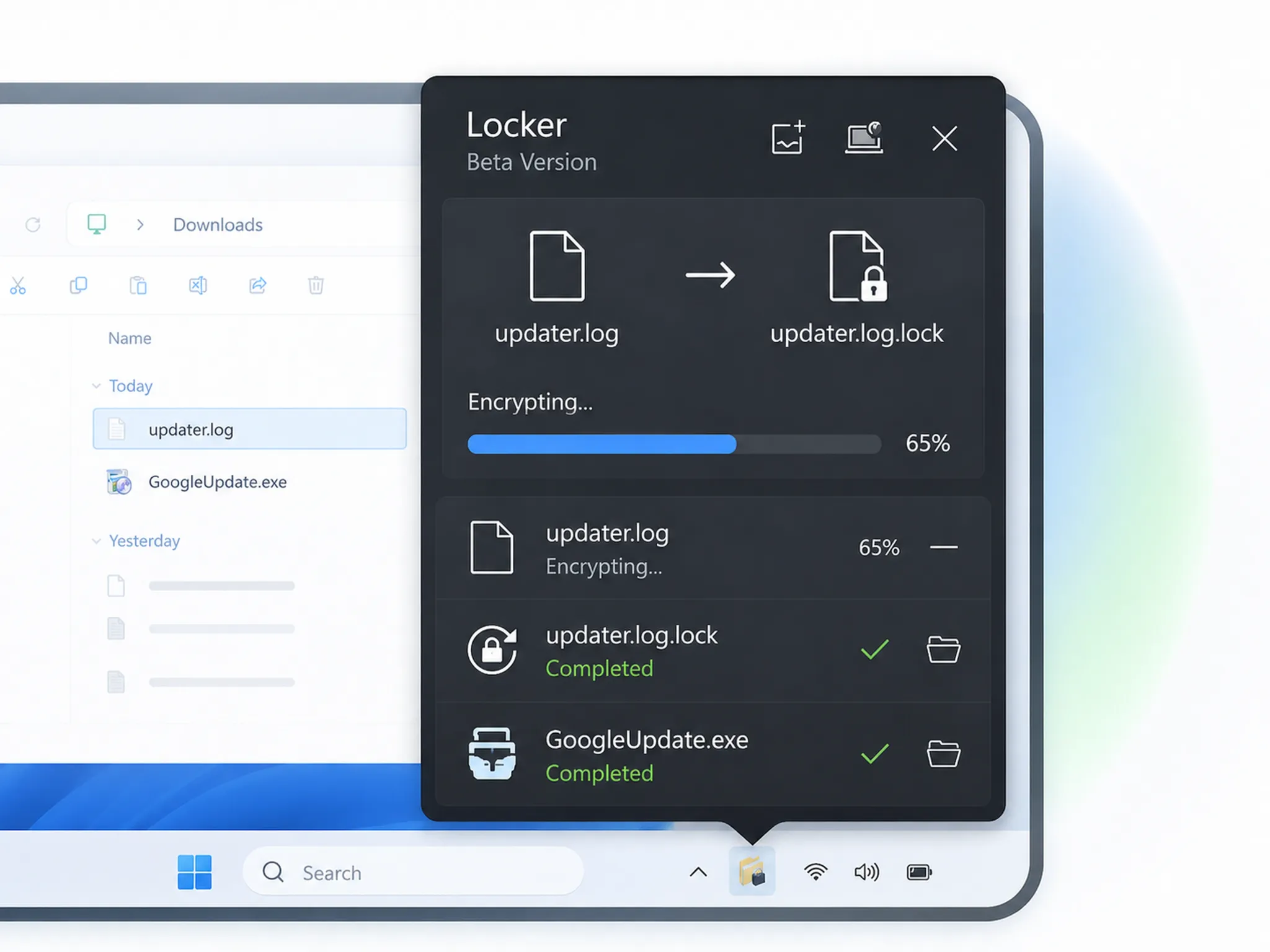
How to use
1
Download and install
Run the EXE installer and complete the short setup.
2
Protect a file
Choose a file, set a password, and create a .Lock file.
3
Open a .Lock file
Enter the correct password to restore the original file.
Ratings & reviews
Practical feedback on setup, file protection, and opening .Lock files from the archived beta experience.
Reconstructed from reviews submitted before the beta ended ·
1/15
Support
Having trouble installing, downloading, or opening a .Lock file?